Add butter
It's a whole new timeline.
Make Claude motion graphics and videos editable.
Ask Claude for motion graphics and get a Butter project, not just a video file: every element on its own layer, on a timeline, in your brand kit, ready for you or Claude to keep editing.
What is Claude Motion, and where does Butter fit?
Claude Motion is Anthropic's tool for making short animations in Claude. Claude writes code that animates text, charts, shapes and images, and you refine the result by chatting or by editing directly in Claude. You download it as an MP4. Butter is a motion design editor that Claude can work in through a connector. Ask Claude for motion graphics there and the result is a Butter project, where each element stays a separate layer on a timeline that you, your team or Claude can keep editing. For Claude Motion setup, see Anthropic's Claude Motion guide.
Two ways to make motion graphics with Claude
| Feature | Claude Motion | Claude + Butter |
|---|---|---|
| Available on | Claude Team and Enterprise, in beta | Any Claude plan, including Free, Pro and Max |
| What you get | An animation in Claude, downloaded as MP4 | A layered Butter project on a timeline |
| Editing afterwards | In Claude, by chat or direct edits | In Butter's editor, or by asking Claude |
| Brand | Described in the prompt | Saved brand kit: fonts, colors and logos |
Checked
When Claude Motion is all you need
Claude Motion is built into Claude, so there is nothing to connect. For a quick explainer, a chart that moves or an animated slide for an internal update, it is the shortest path from a prompt to a clip, and the original stays editable in Claude. If the animation never leaves the conversation and an MP4 is the whole deliverable, you may not need another tool.
How to make motion graphics with Claude in Butter
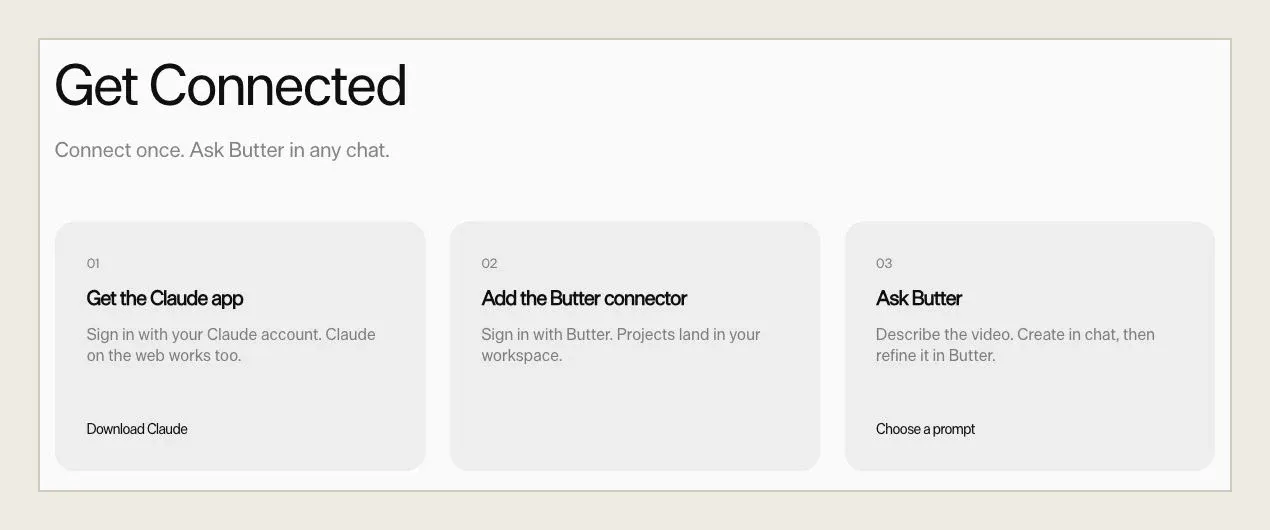
Connect Butter to Claude
Add Butter as a connector in Claude, on any plan. The ChatGPT and Claude page walks through setup.
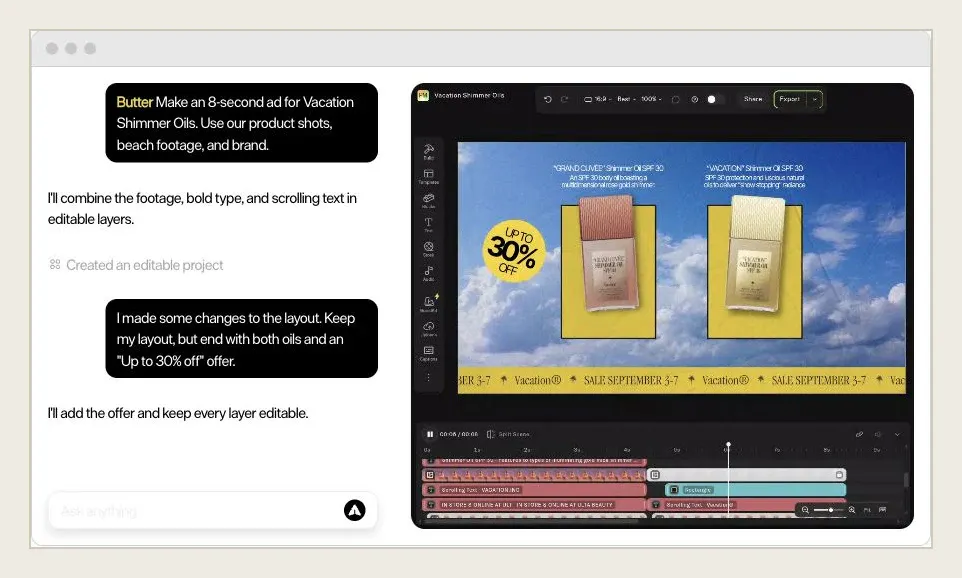
Describe the motion
Tell Claude what to animate: the message, the format and where it will run. Point it at your brand kit so fonts, colors and logos come from Butter.
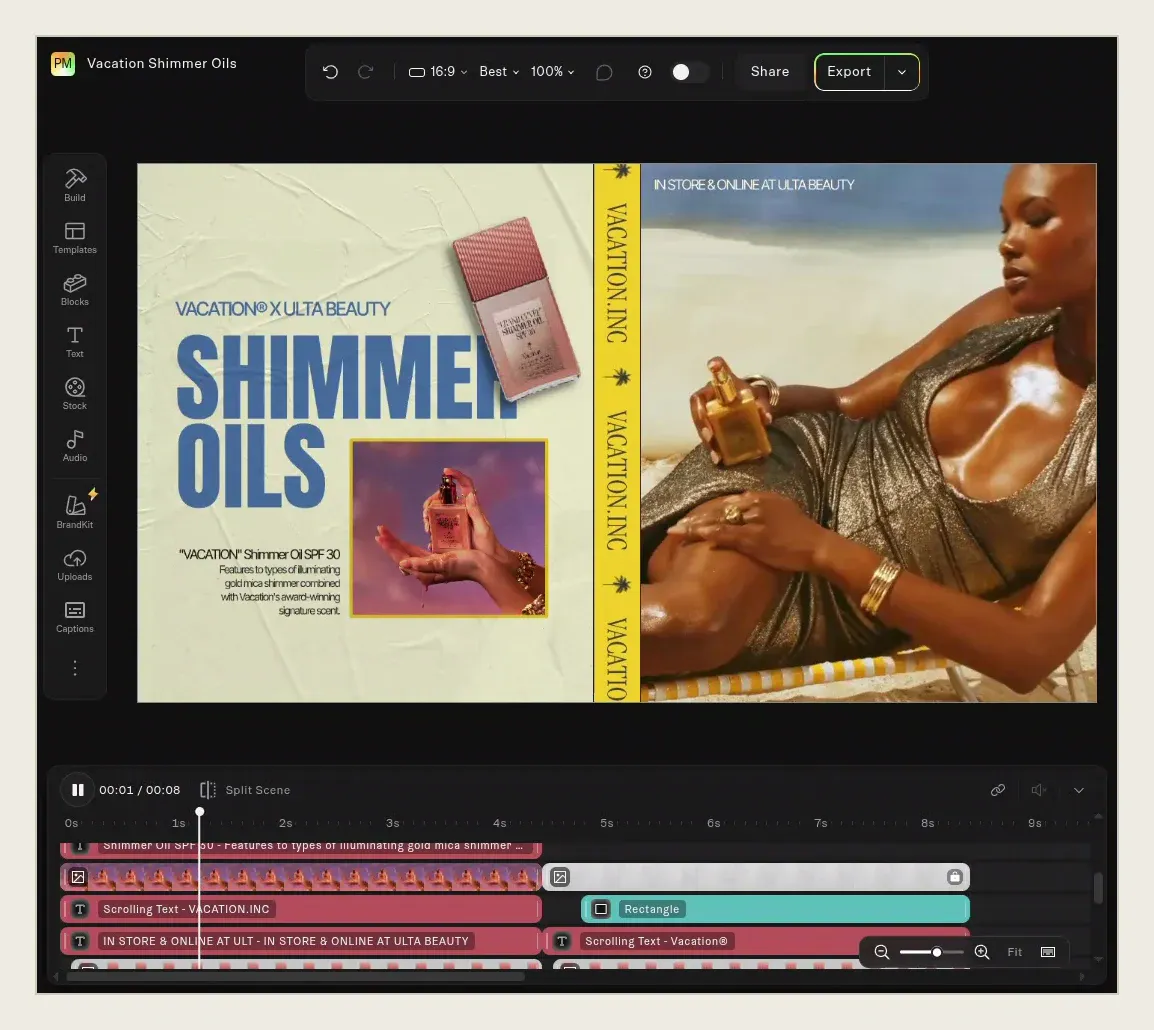
Open the project
Claude builds the animation in Butter. Open it to see each element on its own layer, with its timing on the timeline.
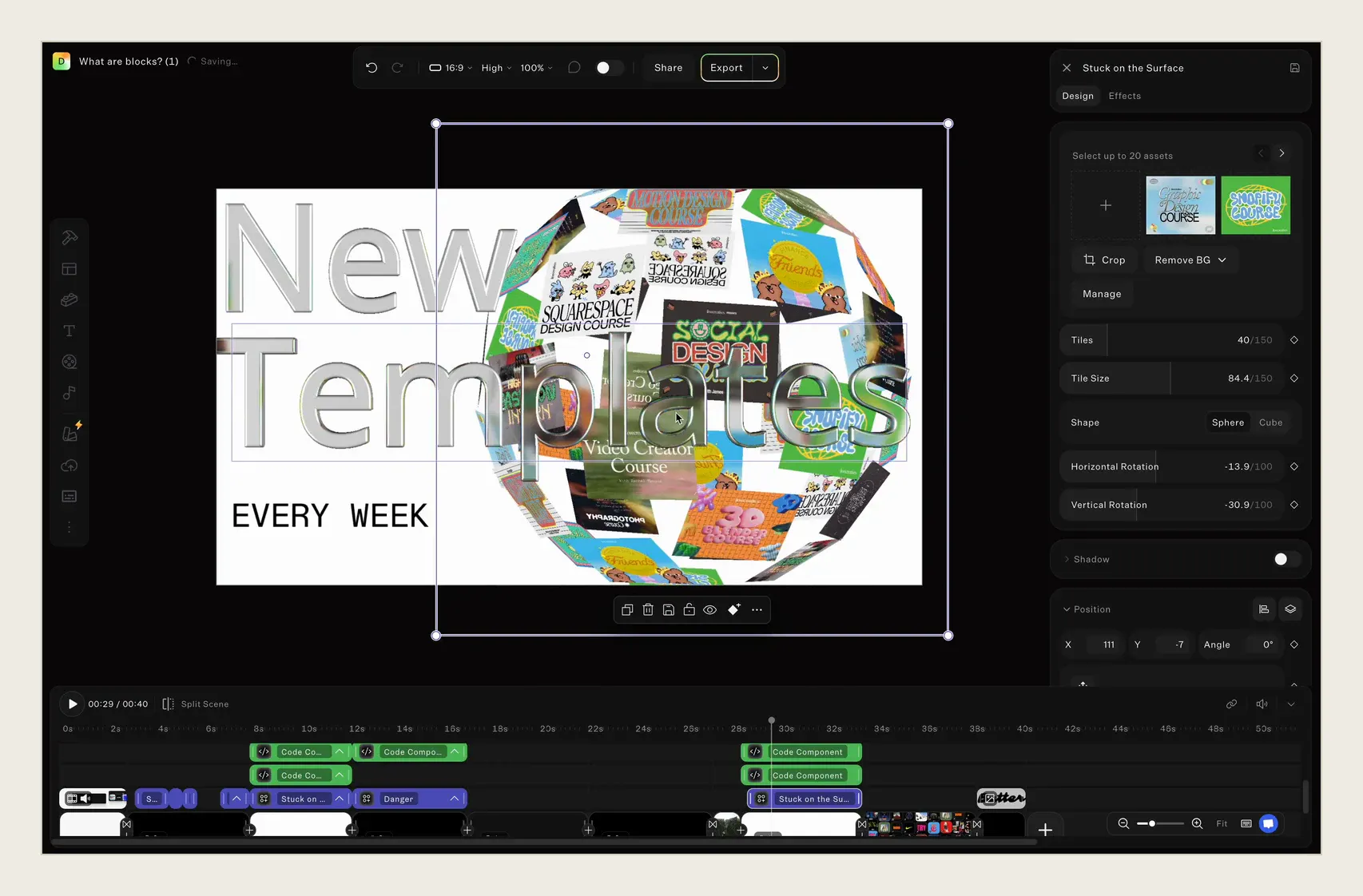
Keep editing
Adjust easing, timing and text yourself, or ask Claude for the next change. Edits you make in the editor are free; AI generation uses credits.
Motion graphics you can keep working on
A rendered video is finished the moment it downloads. A Butter project isn't. Each text block, logo and shape stays a layer with its own keyframes, so changing a headline, retiming a scene or swapping a logo is an edit, not a new prompt. The project carries your brand kit, and because Claude can read it, Claude can pick up where you left off.
What this means for the ads
One brief to Claude becomes an ad you can run in every placement: 9:16 for Stories and Reels, 1:1 and 4:5 for feeds, 16:9 for YouTube. When the offer changes, change the line instead of re-prompting the whole spot. Duplicate the project into variations to test hooks and closing messages, with your brand kit applied to every version.
Claude motion graphics questions
Not as of October 28, 2026. Anthropic offers Claude Motion as a beta on Team plans, where it is on by default, and on Enterprise plans, where an owner turns it on. Free, Pro and Max plans don't include it. Check Anthropic's Claude Motion guide for current availability.
Make the motion with Claude. Keep the project.
Make the motion with Claude. Keep the project.
Ask for it in Claude, finish it on a timeline.