After Effects alternative
Compare control and tradeoffs for motion graphics before deciding where to continue your project.
ExploreAdd butter
It's a whole new timeline.
The offer changed. The video still works. But all you have is the MP4. What now? Rebuild it into an editable Butter project, then work on the changes your next campaign needs.
When you only have the MP4, the job is to recreate the parts you need to change. Butter supports rebuilding an MP4 into an editable project: a new working version to develop. Start with a specific revision, such as a corrected headline or a new ending. A weekend promotion might need a different date; a product launch might need a clearer closing message. Bring that brief to the rebuild so the next version has a purpose.
Start with your finished MP4 and one clear revision. Gather the correct wording and original assets you still have, such as the logo.
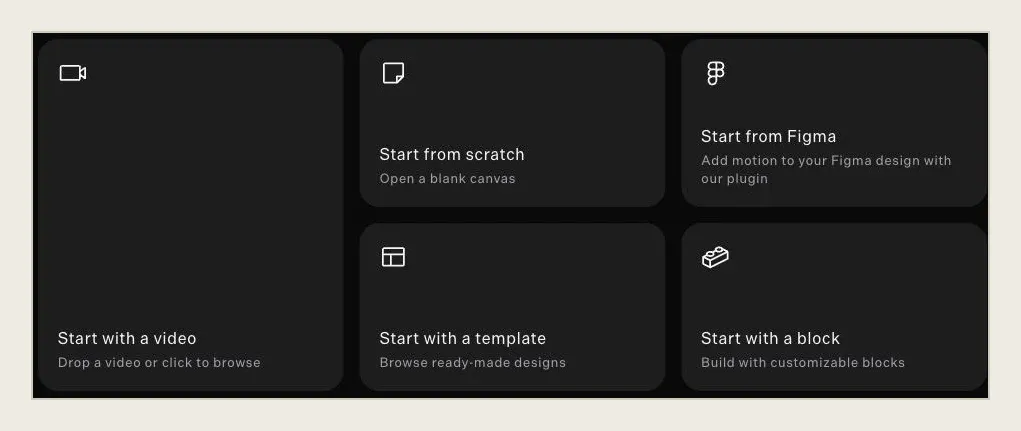
Use the MP4 as the starting point for a Butter rebuild. AI rebuilding uses credits. The result is a new editable project to review against your reference.
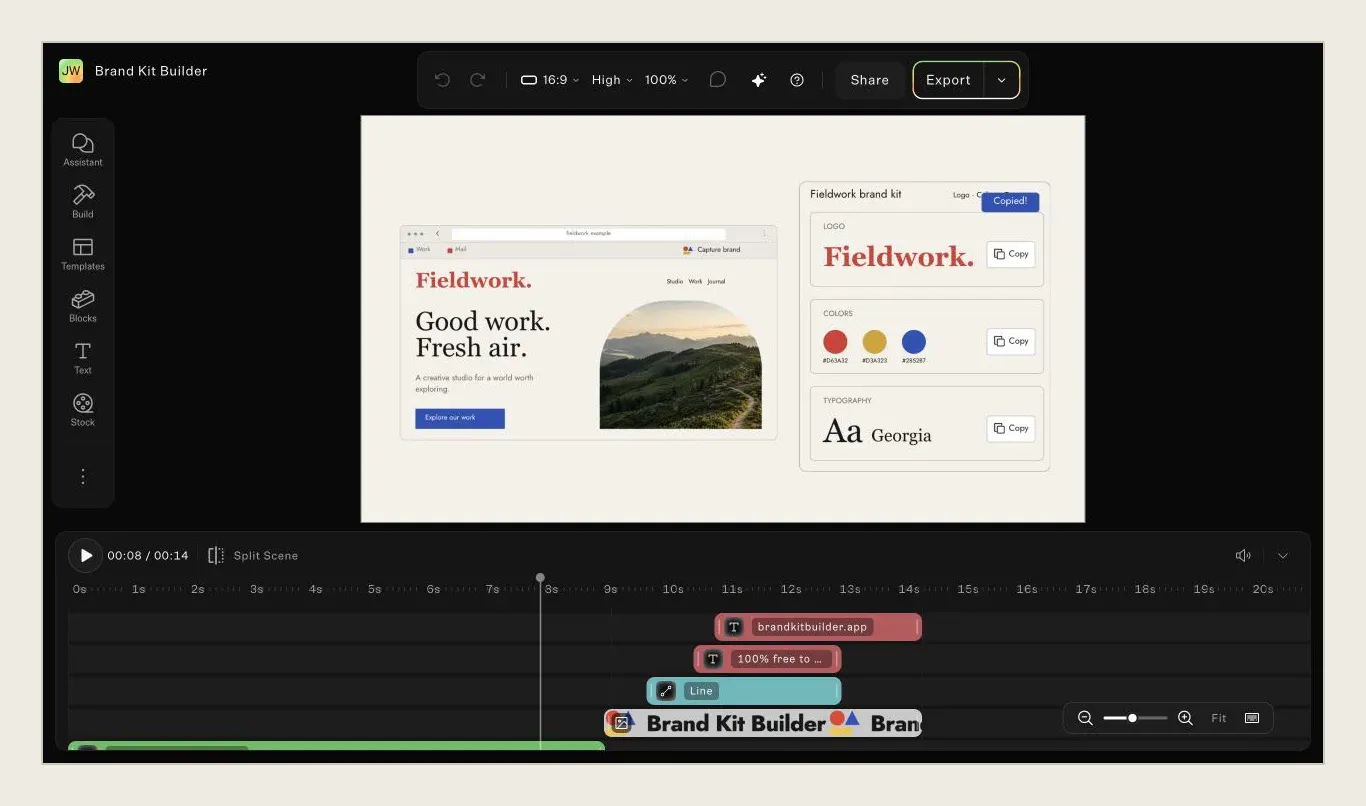
Check the part you need to change first. Inspect text, edges, overlapping elements and timing. Decide whether the reconstruction is a useful starting point.
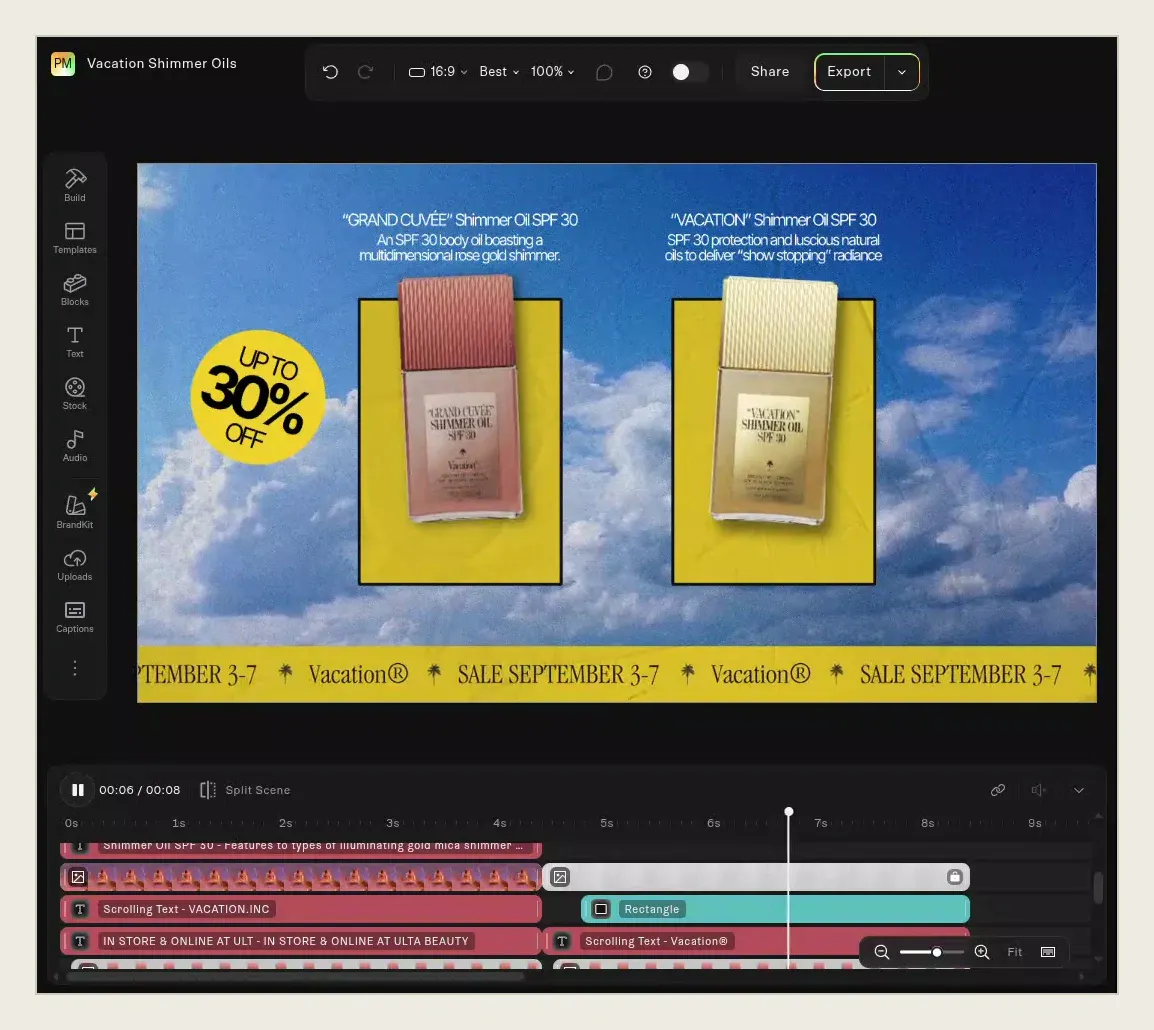
Edit the resulting project, then play through the whole sequence. Check the surrounding scenes, especially the offer, closing message and reading time.
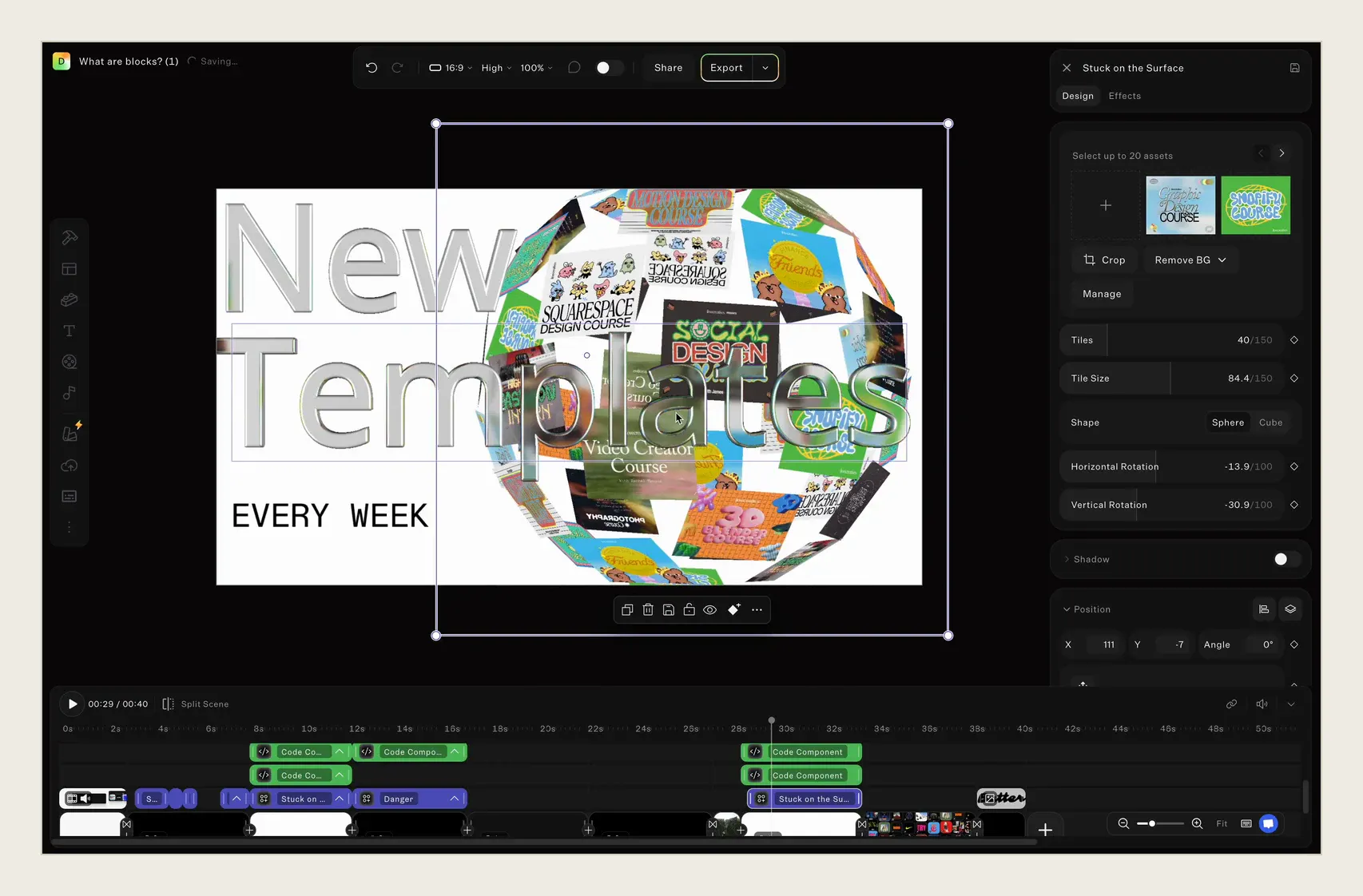
The promotion moved from Friday to Monday. Once the date is editable in your rebuilt project, retype it, adjust its placement and give the closing message more reading time. Manual editing lets you keep refining it: move, delete, retype, retime or resize. Those editor changes are free; AI generation and rebuilding use credits. Work through the approved copy changes in one project, with the campaign brief beside you and a clear list of what still needs attention.
Inspect the rebuilt text and other elements individually. If the headline you need to change remains part of an image, the job is not finished. Do not assume hidden artwork, exact fonts or complex effects have been recovered. Compare the new version with the reference at the moments that matter. Reconstruction is a route to a new working project, not a promise to recover the original source.
Ask for the original project first if it might still be available. Evaluate a rebuild when the finished video is what you have to work with.
| Decision | Original project available | Rebuild from an MP4 |
|---|---|---|
| Starting point | The existing editable source | A new Butter project based on the video |
| First action | Check the source contains what you need | Inspect the rebuilt elements before relying on them |
| Fidelity | Work from the original design | Compare the reconstruction with your reference |
| Best fit | Continue a project you can still access | Develop a new version when the source is missing |
Carry an existing ad into the next promotion. Make a revision list for the price, date and closing message so the new offer stays consistent from the opening scene to the end.
Turn an MP4-only handoff into a concrete brief. Collect the approved copy and available brand assets, identify what must stay, and give the next editor a clear account of the requested changes.
For designers, the important question is what the reconstructed project gives you to work with. Review element boundaries, text treatment and timing before polishing the composition. Look for differences in spacing, alignment and transitions. A visually similar frame does not prove that the next edit will be straightforward. Test the exact element or moment the brief depends on. If the original source becomes available, choose the starting point that best supports the remaining work.
Start with the video you have and the change you need.